
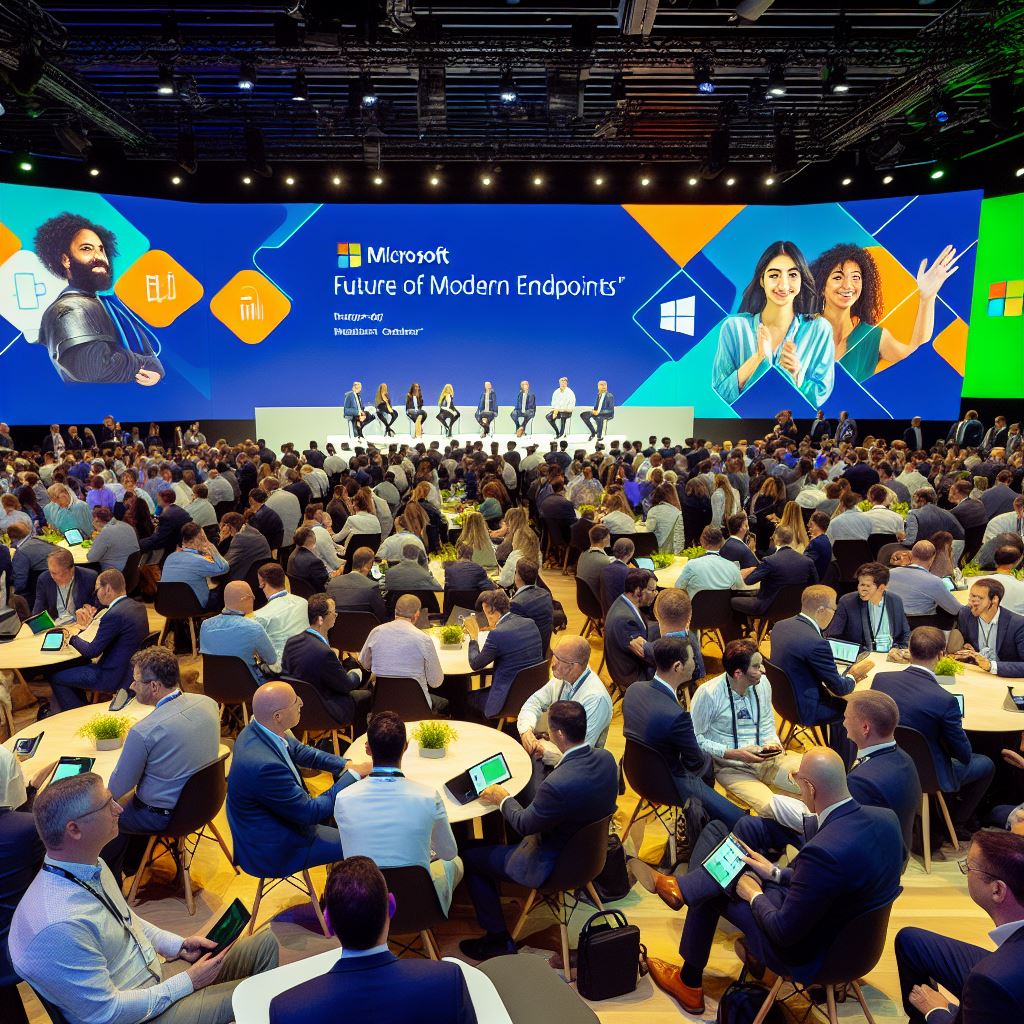
What does the future hold according to Microsoft – More Windows 365 More Cloud More intune.
Had the privilege to be invited to a Microsoft event on their future of Modern Endpoints where the discussion was around Windows 365, Azure Virtual Desktop, Windows 365 Link and Intune.
In part 1, I reviewed and broke down around the Virtual Desktop arena.
In this part, we’ll talk about the direction of Intune.
Intune

This section was run by Jason Roszak VP Intune
First some stats:
- Over the last 3 years Intune has seen x8 year on year growth
- 2.2 bn devices registered in Intune worldwide
Product Direction
- THE Cloud native management tool, combining the power of EntraID and Intune
- The goal on all IT professionals is to go cloud native and moving all workloads into the cloud
- Improvements with Security and compliance settings
- Reducing cost & complexity with endpoint management
- Enhance end user experience
Big benefits being onboarded into Intune is around AI and automation.
There will modernization of workloads by implementation of Autopatch and turning on Hotpatching capabilities.
IT Professionals should see the goal of cloud native as a journey. Leaving those existing devices on hybrid join and co-management and as devices are refreshed, those new devices will be EntraID Join and fully managed by Intune for all workloads
Improvements made in Autopilot with Device Provisioning will result in a better user experience through the Out-of-box-experience (OOBE), along with enhanced “real-time” logging back into Intune.
Intune is enhancing the policies around security and baselining. Improvments are being made to bring in additional CIS benchmarks as a simple click-to-implement (once you review the full settings and test), the ability to detect policy drift and bring those devices back into compliance and to have better auditing and benchmarking reporting.
Enterprise Application Management, part of the Intune Suite is also in line to bring improvements including:
- Increase the curated app catalouge from the 1000 today, to grow over 7,000 apps.
- Be able to “Bring your own app” into the catalog to be detected and then “managed” by the service
- Looking to integrate with Microsoft Vulnerabilities and provide a “one-click” deployment of the update
All Intune people need to think on two paths:
- Stay current and keep up with updates policies etc
- Plan on how to respond to the “fire” that starts (ie crowdstrike, comprised device, 0 day vulnerability that needs to be remediated.
Move and enable Hotpatch to get those patches out and installed without making the end user reboot (you know the ones!)
There have been heavy investment into Intune support for Mac:OS, including native single sign-on. This continues to be the case, including future support for Apple TV devices.
Microsoft are looking at introducing multi account MAM for applications and devices.
There are improvements around introducing a Managed Browser built around Microsoft Edge.
There was a lot of discussion around Endpoint Privilege management, part of the Intune Suite. This is a service where an end user can “self-serve” admin rights by requesting the ability to install a certain app or exe. This request goes through to helpdesk who then need to review the request and take a decision. This will start to extend out to the settings app in Windows to help IT admins control setting changes outside of policy.
Also on the roadmap, and detailed in this blog post by Microsoft, is the ability to bring Copilot into the approval process. At first it can help the helpdesk person to evaluate the exe/app being asked to install and provide advise to help form the right decision.
As we have seen with Microsoft and its other products, you have Copilot coming in and enhancing the product. This is also true for Intune.
Microsoft’s ethos around AI for Intune:
Data + AI Assistance + Action
Which brings us back to the goal of moving all endpoint management into Intune. The more data you can supply to Intune to consume and review, the more useful and relevant Copilot will be when you ask it questions.
And talking of questions, Microsoft is introducing Copilot with the ability to ask Intune Copilot a natural language question “How many devices are not running up to date patch”. Copilot will then go off and write you the KQL (Kusto Query Language) statement to then go and run the query in the analytics window. The icing on the cake here is, it will come part of Intune Analytics which is part of the Intune Suite.
Microsoft have a whole pile of work on the roadmap that starts to answer the AI Assist > Action piece. What if you can use the data in the Microsoft Defender Vulnerability portal to simply click, create and then deploy the remediation?
Lastly, Jason had some time for Q&A:
- What would you advise IT Admins to concentrate on for their training over the next twelve months
Concentrate on the four themes below:- Move workloads from CoManagement to full cloud native. Get the data in Intune and you will be in a good place for the AI Assist + Action when it starts to be introduced
- Tranisition from being a script-god to be prompt engineers. To get the best results out of Intune Copilot, you need to ensure you ask the right question framed in the right way. By learning those prompts you’ll be best placed to get the most of the data Copilot has access to in the Intune product in your tenant.
- Become a KQL expert. This will be the best way to query data within Intune
- Learn and get up to speed with Copilot studio in order to author agents that can be used within the organisation and inside the tenant and Intune.
- Move workloads from CoManagement to full cloud native. Get the data in Intune and you will be in a good place for the AI Assist + Action when it starts to be introduced
- Will Intune ever cover support for Server management?
Jason replied with, Azure Arc is currently positioned to do this workload. Could this integrate into Intune, who knows what the future holds.
Final Roundup
And just like that the days events were over, feeling giddy and excited about some of the conversation from the speakers, talking to fellow attendees we are all working towards the same end goal.
The majority of Citrix based users in the event were of all the same conclusion, they were migrating those workloads away from Citrix over to the Microsoft platform. Some for cost, some for consolidation. For me this rings true for our environment.
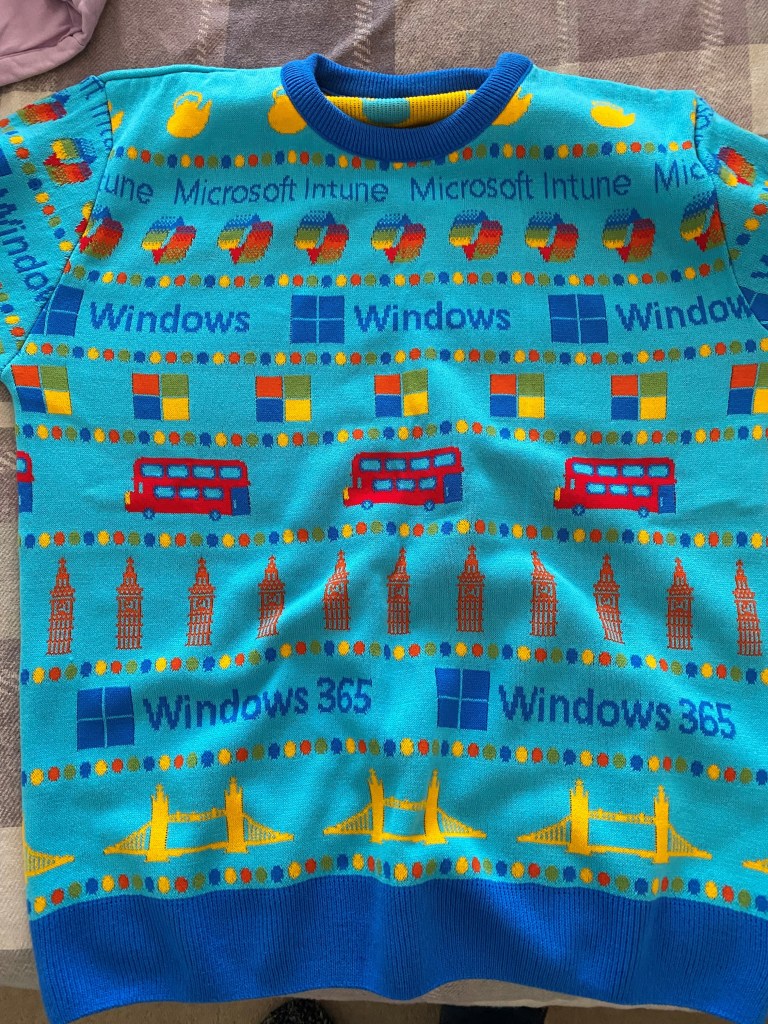
Then it was onto the networking and mingling. And a surprise.







 Lilys Dad
Leave a reply to The Future of Modern Endpoints – Part 1 – Lilys Dad Cancel reply