
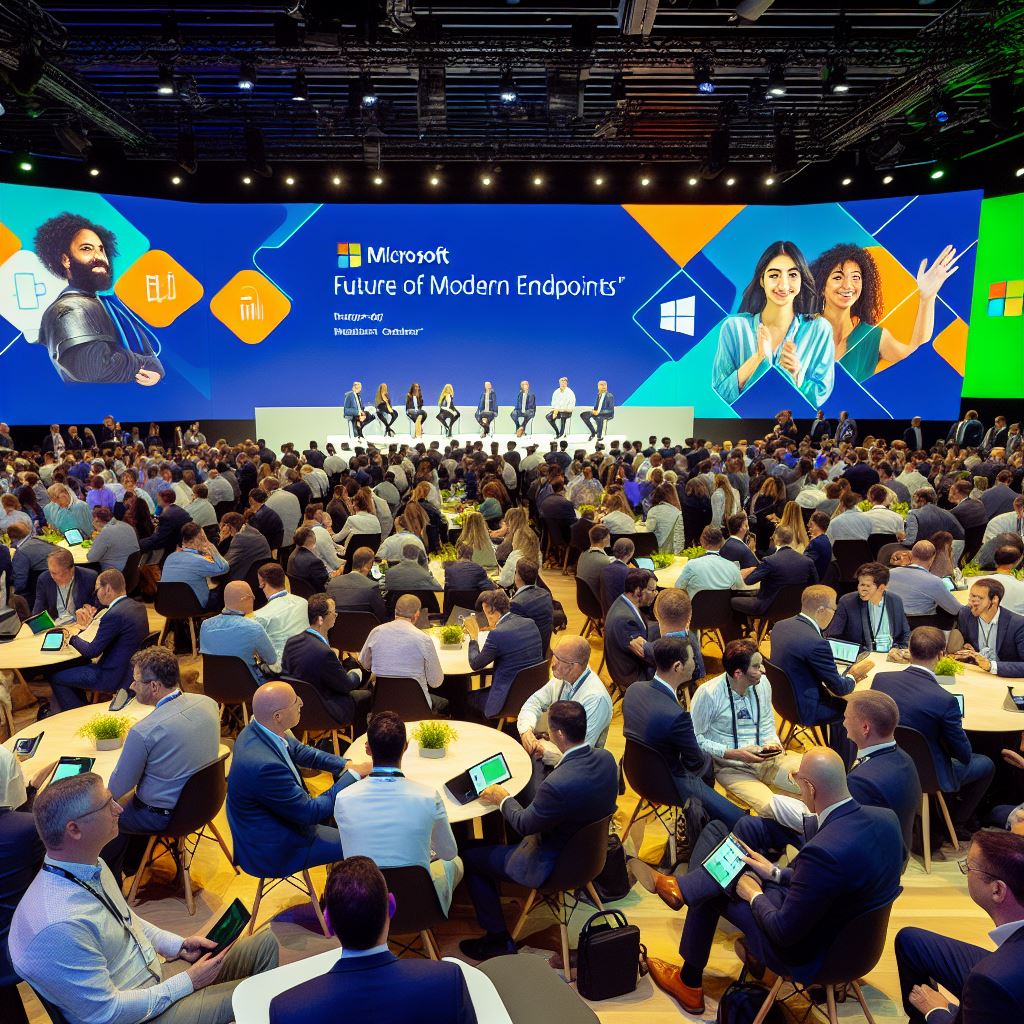
What does the future hold according to Microsoft – More Windows 365 More Cloud More intune.
I Had the privilege to be invited to a Microsoft event on their future of Modern Endpoints where the discussion was around Windows 365, Azure Virtual Desktop, Windows 365 Link and Intune.
In part 1, I’ll review and break down around the Virtual Desktop arena.
Check out Part 2 which will be about the future around Intune.
The event overall was a discussion around the future of the modern endpoint and what it looks like. There were speakers from Gartner, Microsoft Cloud Marketing, Windows 365 team and the VP of Intune himself Jason Roszak.
Where to start, lets get started with what Stuart Downes from Gartner has to say around the endpoint
Gartner
The innovation will be with devices and apps.
Gartner carried out surveys with enterprises to gauge the digital workplace maturity which shows there are 5 stages of maturity
- Reactive
This is the organisations just reacting to changes with no plan around Digital. 31% of those surveyed are at this stage. - Supporting
This is the stage where an organisation knows the digital tools, and look to consolidate those tools to ensure that there are not much overlap or tools that do the same job. Around 54% and the majority are at this stage. - Enabling
The focus moves away from the tooling, to the employee experience and how these people get on with the digital experience. Organsiations here will be led by the employees engagement rather then the IT team leading the employees. 14% of organisations are at this stage - Empowering
The drive within the business is to push up the digital skills of the employees and help them get the best out of those digital toolsets. 1% of organisations surveyed are here. - Transforming
This is where an organistion is digitising and automating a large number of their processes. Amazing, noone survey were at this level of maturity.
Gartners reporting shows that the ambition of modern endpoints and digitalisation sits in three places:
- Modernization of IT and to make IT better in the ways they both work, support and provide digital tools to the employees
- Provide new ways of working. Be it Laptops, thin clients, mobile, Front line workers, provide a fit way of working for employees to do what they do best when they can where ever they can. By freeing up the employees from the dulldrum will allow them to focus on pushing forward and thinking in different ways.
They go on to describe that to get the ambition of new ways of working requires a defined digital strategy that drives the digital embrace from employees and most importantly aligns to the business strategy and works along side each other to compliment. This ensure that both IT and the business are working towards the same goals.
With that strategy you need to ensure that there has been engagement with the business and has the employees front and center and you bring them with you to help drive it forward.
This was from the Gartner maturity Survey. Find out more here.
End User Compute
The future of EUC will be AI-enabled wether we like this or not. We can see this with the CoPilot+PC devices that have recently launched.
There will be 4 core key apps to take advantage of AI:
- Productivity
- Autonomic Operations
- Communicate/Media/Conferencing
- Enhanced Security
Between 2019 and 2024 spending on Virtual Desktop increased 230%, with Device as a service (DaaS) (both physical and Windows 365) grew an astonishing 560%. Some would say a small crisis known as Covid may have helped with the insance growth here.
It is anticipated that DaaS spending will continue to grow 10% year on year, with spending in Virtual Desktop around 2-3%.
The Future of EUC
The future of the endpoint will constantly change as the future work and jobs change, but it will have embedded AI devices (both virtual and physical) and applications which are AI enabled.
We are already seeing this, but the AI will get more intelligent, we will start using it as a proper assistant to help us
It is anticipated that AI advancements will grow much faster and in greater leaps then the current lifecycle of physical devices. How many people can say the device the buy today will support the workloads of 12 months time, 24 months time let alone 5-8 years time,depending on the renewal cycle.
Throw in sustainability, where you then try and extend the life of devices by keeping them longer and longer then before.
The thing will be the applications and operating systems determining where they will e be run and it will look like a hybrid mix of physical and virtual platforms to get the best mix.
Is this the 2nd coming of the thin client? Maybe?
Windows Cloud Commercial marketing team.
The speaker for this section was Melissa Grant.
The theme was similar to Gartner where their future was looking at AI+Cloud. We can see this in some of the CoPilot products coming out.
The Microsoft Workplace Trend Index (WTI) is tracking AI uptake and currently shows:
- 75% Knowledgeworkers use some form of AI today
- 78%bring their own AI tools, even if the organisation has some AI offering.
- 52% are relunctant to use the AI tools
So theres still alot to show and teach around AI and what it can do for people. We need to be able to let them play and feel comfortable with the AI tools. The WTI shows this.
It also shows that organisations without a strategy will feel pressure to adapt to this whims which results in resilience from people to not change their ways or use tools the way the business and IT want them to.
The resilience can be broken with the IT mission working with the long term business strategy and reinforces Garners points that its important that IT and business work together on both business and digital strategies together to complement each other as each need each other for employees and business to flourish,
Looking back at the Covid times (urm, do we have to??) we saw massive technological changes during that crisis. It is said that the performance and changes have up to 4 times the impact that they do during normal times. During COVID we say people working at home, needing to connect back into the organisation, the rapid deployment of laptops, Virtual Desktop deployments skyrockets, and Microsoft Teams and Zoom deployments were out of this world. This one global crisis push decades of change in a small period of time.
And in this current time where ESG and sustainability are important to individuals, employees and organisations, many firms are sweating the endpoints making them last longer and longer.
Microsoft have introduced the Windows Resiliency Index (WRI) which highlights the three types of resiliency:
- Secure from Cloud to Endpoint
Windows 11 Enterprise with inbuilt security
Autopatch to automate the patching
Hotpatch where the patches apply and don’t even need a reboot
Intune and Security
Endpoint Management and Compliance
Enhanced cloud Security - Productivity without Interruption
Windows App
Windows 365 FrontLine Worker
Point in time Restore for Windows 365
Azure Virtual Desktop
Windows 365 Link - Visibility to prepare and prevent
Copilot insights for intune
Multi-device querying in Intune Advanced analytics
CoPilot for IT admins in Windows 365
Virtual Desktop
Tom Hickling was the speaker and spoke about everything Virtual Desktop.
As we know Microsoft have been at the forefront of a cloud revolution with Virtual Desktop. First launching Azure Virtual Desktop (or Windows Virtual Desktop for those that remember) in 2019, and following up in 2021 with Windows 365.
Microsoft make their Virtual Desktop cloud-first with the best cloud security on offer from Azure and is secure by default. There is no need to build VDI yourself and then create all the security, its already there, and in some cases, better then you could build.
A few features were talked about on improving Virtual Desktop:
- Implementation of Passwordless authentication with Hello. its a simple checkbox to enable
- Authentication redirection to device and use Windows Hello
- Faster re-authentication and having the ability to customise token lifetime (is it 7 days? 7 hours or an hour before you make people have to re-authenticate on connection – not mid connection!)
- Ability to use MAM posture checking with Conditional access for those non-corporate devices – This will need the Windows App
Windows 365
Microsoft are developing this with the attitude of “Like-Local” with the goal that connecting and authenticating to Windows 365 will take a second. Its a long term goal and theres a few hoops to get there,so dont expect this out the box for now.
Features:
- Point in time restore – this was handy for us as we were able to restore 800 Windows 365 devices in an hour and people were back up and running during that small crisis by CrowdStrike.
- Introduction of AI to power usage reports and identify those devices under-used or overusage and would get use out of a higher spec
- Front-Line allowing increased user usage for less licencing.
Launched at Ignite 2024, this is a thin client reimagined.
Imagine a locked down device, running a slim Windows OS with just one app installed. That app being the Windows App. No ability to sideload apps or install any other application. This again coming from the “security-first” thinkings of Microsoft.
The device supports the Teams Slimcore optimisations out the box and also keeps its self up to date with no interaction. Fully managed in Intune, it sounds (and looks) ideal.
I had a look, play and a chat with the Microsoft team around Windows 365 Link and it opened my eyes. My thoughts are it is a great format, more secure then your normal Thin client devices, but if it were in a more mobile format, say like a laptop. Ideal for some use cases I can think of.
Support for the Meta Quest headset are in preview right now.
Microsoft collaboration with Lenovo and their Thinkphone, this means that you plug in a USB monitor, connect bluetooth keyboard and mouse. You can then use the inbuilt Windows App to launch your cloud device and get connected, forgetting the device is running on a phone. Other vendors are coming online with this.
Azure Virtual Desktop
The decision point around Windows 365 vs Azure Virtual Desktop comes down to this. Applications and usage. For bog standard enterprise apps and workloads and full time use, yup Windows 365 will be more cost effective. If its infrequent use, heavy applications (Yes Adobe Creative Suite looking at you) or High spec devices, then Azure Virtual Desktop becomes more effective for you.
Microsoft continue to work and develop features around on both platforms as they compliment each other.
The Virtual Desktop platform future?
From a Microsoft perspective, the future will be to have a “like-local” experience on Virtual Desktop similar to the local device. If you can have multiple 4k monitors connected, get online in under a second with enhanced peripheral support thats it.
Watch this space for the future. Its looking positive.
Part two can be read here.







 Lilys Dad
Leave a reply to The Future of Modern Endpoints – Part two – Lilys Dad Cancel reply