
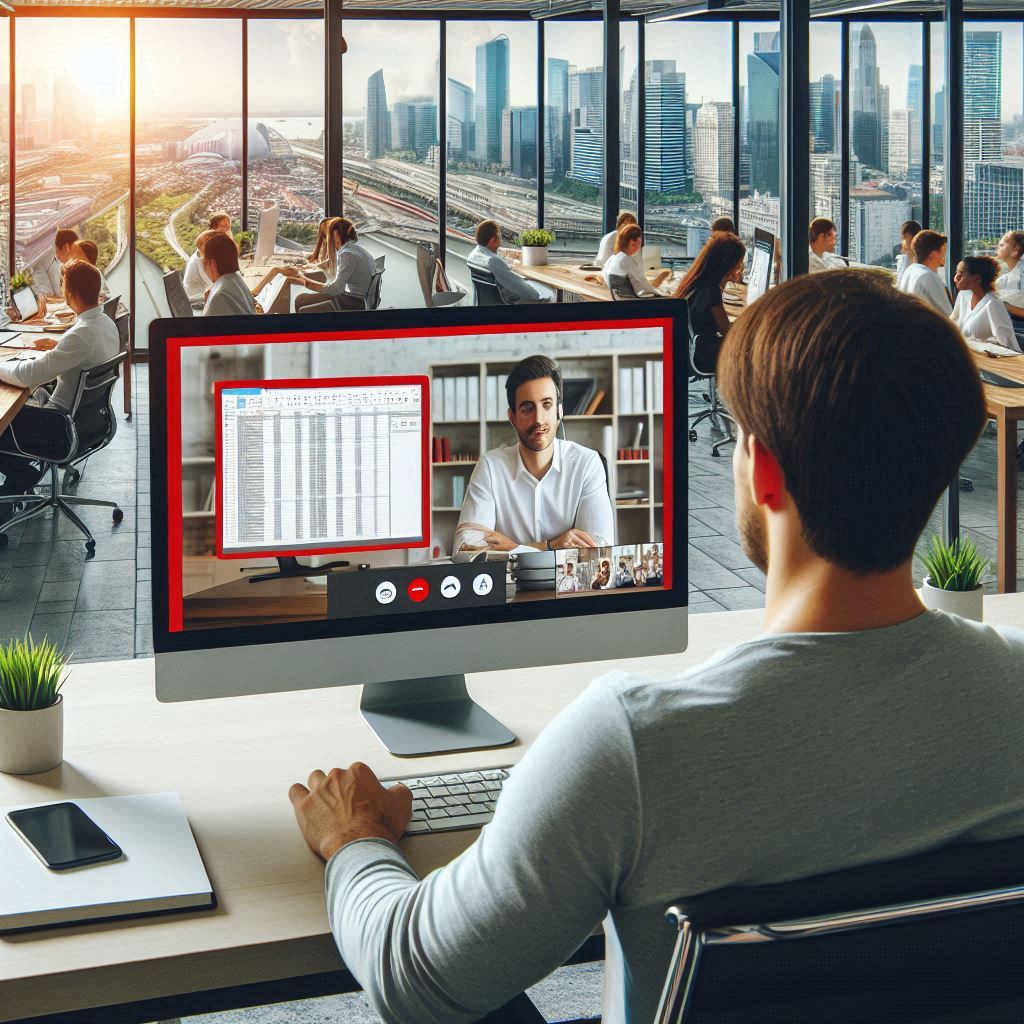
Last week we picked up an issue reported from one of our Virtual Desktop users that was having issues during a screenshare with the following scenario:
- Using Virtual Desktop
- Taskbar set to auto-hide
- In a Microsoft Teams meeting
- Sharing their screen
In this scenario, our user cannot get the taskbar to “pop” on screen due to the screenshare. Outside of the screenshare things are all ok. The only workaround is to minimise all open apps (or disable the autohide)
Going through the normal troubleshooting steps of:
- Up to date version of Microsoft Remote Desktop (RD) client
- Up to date version of Microsoft Teams
- Teams optimistations (slimcore) loaded
We logged a ticket with Microsoft. After a few days, we are told its a known bug within Microsoft Teams and the product group are aware.
Now we wait for the bugfix in the next update of either Teams or the RD client. I’ll update the post when we find out its fixed.





 Lilys Dad
Leave a comment