


Held on June 18th at the Apex Grassmarket Hotel in Edinburgh, the EUC Forum Summer Meeting brought together a vibrant community of End User Computing professionals for a day of deep technical insights and peer networking. With a stellar lineup of speakers from Microsoft, Citrix, Google, and leading consultancies, the forum covered everything from modern endpoint management and cloud VDI strategies to automated testing and AI-driven EUC solutions.
The community normally holds 2 conferences each year
Positioned right after the Workplace Ninjas UK conference, it offered attendees a seamless opportunity to extend their learning and connect with experts in a more intimate, community-driven setting. The event’s relaxed yet focused atmosphere, paired with its strategic timing and location, made it a standout moment in the EUC calendar.
EUC Forum is designed to be vendor agnostic and not recommending one vendor over the other.
Content
Advanced Security for Azure Virtual Desktop
Modernizing your EUC Strategy with Google
Why do we accept unmanaged apps
Unleash the Power of Intune and AVD
Choosing between Windows 365 and AVD
How the business interacts with IT has changed forever
The event is kicked off by Neil Spellings and looked at some the highlights in the EUC world:
- EU Agencies moving away from Microsoft
- Microsoft enforcing Teams blocks if the client is older then 90 days
- Google buys Wiz for $32bn

Tom Hickling was up next with an overview of everything Microsoft EUC
- RDP Multipath now in public preview
- Global expansion on TURN Relay endpoints
- AVD/Windows 365 are working towards “Like Local” experience
- GPU Acceleration in Windows 365 now GA
- Multi personal host pool devices
- Host Pool setup will be “secure by default” saving IT Admins the need to secure
- Deprecated Windows365 portal and move to WindowsApp for Web portal for browser based access to Windows 365 devices

Next Nathanael Davison from Citrix with an update to the Citrix world
- Moving to a new release schedule for Citrix Virtual Apps and Desktop. Will now be 2 releases a year – 2x Current Release and 1 LTSR
- Multiple Mergers and acquisitions:
- Unicon
- StrongNetwork
- deviceTrust
- uberAgent

Next up for the world-wind tour of the big players in the EUC world, Matt Evans from Omnissa (the new name for what was VM Horizons
- No longer part of Broadcom follow management buyout
- New versions of Horizon and Workplace ONE
- Partnering with Nutanix

And last up is Peter Fergus for AWS End User Computer
- New EUC Toolkit updates including:
- Amazon Workspace Core
- Amazon Workspaces
- Workspaces SecureBrowser (powered by Google)
- AppStreaming 2.0 for application streaming
- Added 2 new bundle typoes for Workspaces
- 4x Large
- 8x Large
- AWS now Chrome Enterprise certified
- Certificate based authentication now available in AppStream 2.0
Then into the break out sessions
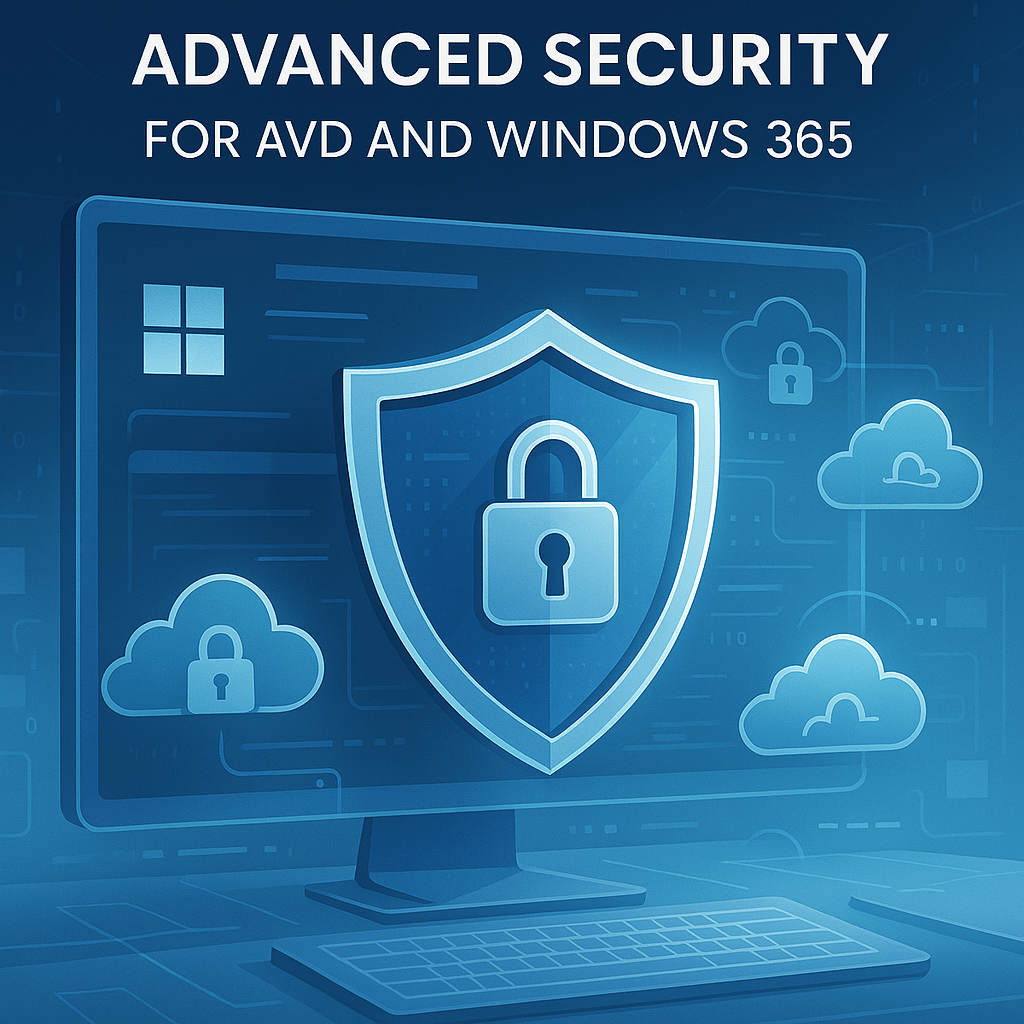
Advanced Security for AVD and Windows 365, led by Mahmoud Atallah
Here we looked at the three methods to protect the identity. These include
- Implementation of Multi Factor and Conditional Access
- Implementing Passwordless
- RBAC Controls
- Implementation of MAM controls to both Windows App and Azure Virtual desktop apps
There also controls available within the session which can all be controlled via GPO or Intune CSP:
- Watermarking
- Screen Capture protection
- Tuning of RDP protocol
- This is turning elements like Clipboard, drive and print redirection off. But the defaults will change for any new host pools from July/August as Microsoft as switching to a “secure First” approach.
- Disk Encryption
We also discussed around how IT admins may be able to access Azure Virtual Desktops without the need for RDP. To access, we need to configure Bastion for access which will then allow “just in time” access for IT admins.

Modernizing & Securing EUC Strategy with Google
Rob Beard had a short spot to provide an overview of Googles abilities in the EUC space.
There were two main areas:
- Google ChromeOS Flex
This is a way to reuse old hardware by installing a flavour of ChromeOS to give new life to that hardware. It can run web apps along with some apps from the Google Play store.
All manageable from the Google Enterprise dashboard, and if setup with the connector, into Intune. - Packaging apps into Web Apps with Cameyo
Cameyo, recently purchased by Google is a cloud-native Virtual Application Delivery (VAD) platform that enables secure, seamless access to Windows, Linux, SaaS, and internal web applications from any device—without the need for full virtual desktops or VPNs. Unlike traditional VDI or DaaS solutions, Cameyo delivers apps directly through the browser, simplifying deployment and reducing infrastructure complexity.
Why do we accept bad applications?

My next session was deliver by John McIntyre from Juriba all around app packaging and testing.
There are various challenges to application management which include:
- Rapid scale of app updates
- High cost to packaging
- Time constraints to deliver application deployment
- User frustration that application deployment takes so long as they need that application now.
So whats the answer to the application management woes. Look towards automation. Yes there is an upfront cost to this, but this cost should be realised after a year or two. We should be able to trust our application owners (if there is one) to upload a version of their application, for it to get wrapped into a nice package, sent for rapid testing and pop out and deploy to the people that need it.
This is where Juriba may be able to assist as this deals primarily with automating the packaging and testing of the application to the point where it can orchestrate the wrapping, testing and deployment of applications. You will also get the app readiness for deployment and the wrapping of install and uninstall strings can be made easier through the automation and testing.
And in one of the coffee breaks, I had an opportunity to talk to John about the tool to see how it can make life easier.
In the demo, we added an exe into the tool. It then checked the exe and took out some of the information that would be needed for Intune out of it. We added the install string parameters and then sent it off for testing. We could monitor this in real time and got the testing feedback.
Part of that testing feedback was that the uninstall string was added into the application and tested at the same time so the platform knew that the uninstall would work.
We then had the option to wrap with my favourite, Powershell App Deployment Toolkit and we could create an Intunewin file and automatically upload into Intune for deployment.
The question would be for me, why wouldn’t we want to look at automating and improving the workflow for application management and even handing this over to the people and teams that look after the application that historically IT admins have managed? Food for thought.
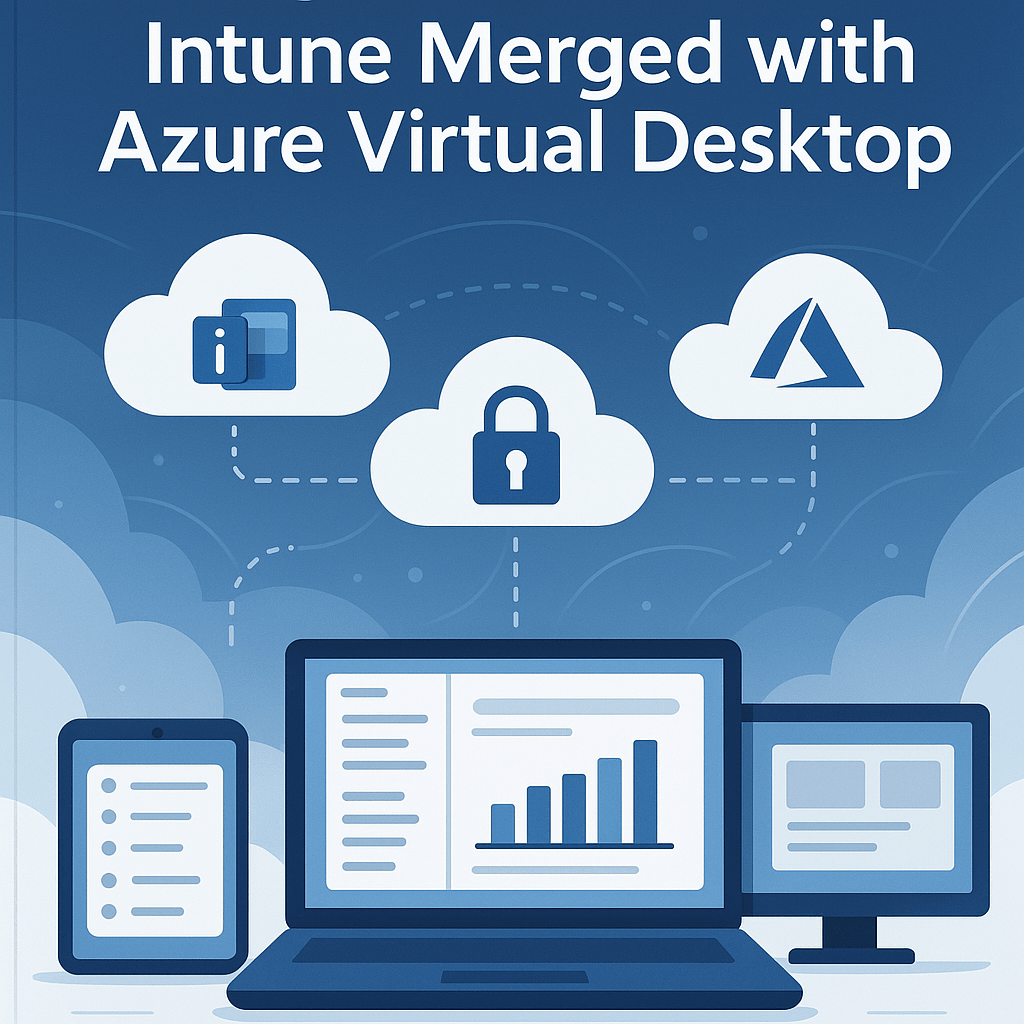
The power of Intune merged with Azure Virtual Desktop in a session ran by Marcel Meurer.
In this session we discussion how well intune can work well with Azure Virtual Desktop and how we can use Intune to managed these devices along with our other Windows platforms.
Its been a long standing tradition to build a “golden image” with all the apps and configuration but does that work in a modern management world? Why not break out of improve this world and work more dynamically to create a master image:
- Build an OS image, or choose from the gallery
- Use Intune to deploy applications
- Capture the master image
The downside here is you would end up with too many master images, and its no different to the golden image.
The answer is to have a “install” host pool with the AAD auth plugin installed, then create the machine to provision the apps from Intune and then use this as a staging area to create the “image from”, remembering to ensure that the AAD auth plugin is installed.
My perspective, and its how we do back in the office, is to use Nerdio to build a base OS image of Windows + M365 Apps for Enterprise as it’s the biggest installer, along with VPN and Crowdstrike. Then build an AVD device from that image which then uses Intune to pull down the apps for the device and user when the log on.
A peer through the crystal ball…. Could we have Autopilot for AVD maybe?
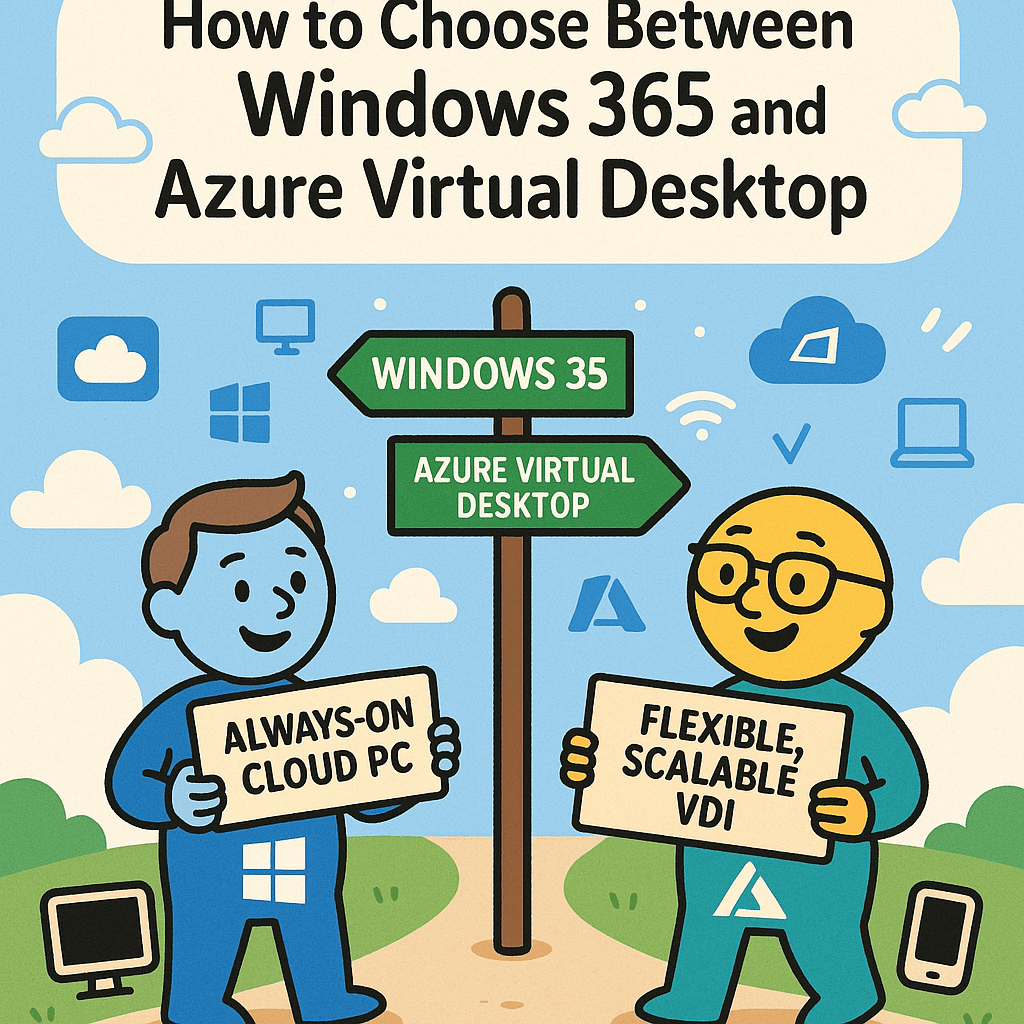
Then the next session before lunch was with Simon Binder around how to choose between Windows 365 and Azure Virtual Desktop.
“The choice is simple, but understanding of how it will work and future requirements is not so simple”
When planning, do so with a transition or growth in mind and check the values and features will meet both the short and medium goals and check the impact on the long term goals. Its easy to get started, but much harder to change course once your off.
The big question in the room was how to make the choice. The question may be simple, but the answer…. We’re on the fence with this one as it depends.
In reality its not an either/or answer, but one of a mix and it depends on the business needs along with IT requirements. The best way to reach an answer together with the business is to show them and to provide a choice of solutions. Both solutions are flexible as each other, but asking questions like “how many people” and “whats the performance required” will help steer the answer.
Something else that will feed into the decision is the compentancy of the team looking after the platform. Do they have the knowledge? Is there ample time to train up on the solutions to ensure full knowledge?
Once the IT admins are up to speed and happy, don’t forget to train the users that will be using it and get them to understand what they are doing and why they are doing it along with key differences (Microsoft Teams I am looking at you)
Of course cost will be part of the discussion of either solution as there is a cost to bare, and that cost will increase with the performance of the solution. You want more performance, there is a cost implication, just like a physical laptop.
Azure Virtual Desktop and Windows 365 will both be here in the future, AVD isn’t going anywhere, but look at the work and effort Microsoft are putting into building an ecosystem around Windows 365 with Windows 365 Link and tight integration into Intune, with development work still occurring with AVD.
Something that was mentioned in both conferences a number of times was to start learning KQL (or to give it its full name Kusto Query Language). This is especially important if you want to start querying your log analytics workspaces, or to create reports and dashboards built on data in Log analytics.
Marcel Meurer was back to give a quick deep dive into KQL and some key tips on getting started.
- Setup Azure Virtual Desktop Log analytics
- From the hostpool settings, enable and select to send all logs to Log Analytics. This is assuming you have a log analytics workspace setup. If not, you’ll need to set one up.
- Create new workbook
- Once you have a workbook, start experimenting with one table using | to do so. Play with the tabler so you get an idea on how to query.
Key Challenges
- Not all types as expected. A number could be set as a string, a Boolean could be set as a string, and in other values a number could be a number. Once you work out the value types, you’ll need to ensure that you convert correctly to do value comparison
- Use the Correlation ID for errors as you can use this to follow what happened in an error stack to track down an issue

In the final session, Tim Russell and Jaroslav Tomik had a discussion on how the business interacts with IT is changing.
IT hasn’t changed its role. We still attempting to solve the long standing issues, but the solution and technology stack changes with time.
Work used to be a place to go and do work, where you had to be present all day every day. As time change, work is now a physical building where the workspace is no longer limited to that building, but whereever you desire the workspace to be – be it at home, in a coffee shop or on the beach in Bali
In the old world order IT was a case of where are you, what are you using and what have you done. What ITs role is now is one of enabling our users to be able to do what they need to do, whereever they are, whenever they need to. It’s a case of engaging with the business and users to ensure that the users are happy to come to work to engage with the work they need to do.
As we have learnt many times, change doesn’t wait for permission or for us, change will move with or without us. IT need to be a part of this in the here and now and work with a human centric approach.
They mentioned the E3 (e-Cubed) approach:
- Equity
- Experience
- Emotion
We are currently seeing a massive shift and change in business interaction with changes being driven by AI. We need to ensure that IT and the business look at the needs and priorities of the business and how the IT projects can link to those needs and priorities to help drive the business forward, and it not be just putting more technology in for technology sake.
There are 4 key ways that IT can help with the business priorities and have that focus on business value:
- AI Ops
- Proactive monitoring of operations
- Automating operational tasks to free up IT admins to do more value add to the business
- Streamline IT workflows and communications as a whole
- Agentic AI
- Introduction of agents to guide users through their issues and to point them to internal knowledgebases or online content
- Things like Scurity Copilot for intune where can use natural language to get answers from the data
- This introduces AI into IT operations. How can we empower the users to get answers to their issues and resolve without having to log a ticket?
- Can we move towards a zero-ticket view?
- Using AI to help alert operations teams to issues before they become user impacting
- Using AI to be proactive to issues
- Experience Management
- Experience from IT admins and users using AI in their day to day role
- Business Data Querying
- Using AI to query the business dataKnowledgebots digesting internal documentation and provide a method for natural language queriesAsk the business for how IT reporting should be done, rather than attempting to mark our own homeworkAre the KPIs reporting correct? Yes IT may have resolved 99% of incidents within SLA, but what employee emotions towards IT.
Heres a scenario:
Brenda works in accounts and has had a blue screen for 4 weeks that she just gets on and reboots to sort. It gets to a frustrating point where she logs a call. That call is then picked up and issue resolved in 2 days. From a reporting point, yup we got that ticket closed, but Brenda is still angry and frustrated that she has lived with that for 4 weeks. - KPI reporting needs to start looking at integration of the Employee IT happiness. If there are pinch points in the happiness of the users that IT cannot resolve, then the users will start finding their own way to work and IT continues happily that all is well in the world.
- Why not let users have access to query IT data in that natural language to see how IT is performing? This way the reporting data is more transparent, users can be prepared for discussions with IT to ensure that both the business and IT are working in harmony.
- Using AI to query the business dataKnowledgebots digesting internal documentation and provide a method for natural language queriesAsk the business for how IT reporting should be done, rather than attempting to mark our own homeworkAre the KPIs reporting correct? Yes IT may have resolved 99% of incidents within SLA, but what employee emotions towards IT.
With these key areas, IT can be in a position to help drive meaningful change with the business which drives the employees happiness up.
Introducting a zero ticket architecture is built on 5 core principles:
- Proactive, Not Reactive
- Issues are detected and resolved automatically using observability tools and AI.
- Monitoring systems trigger event-driven automation instead of generating tickets
- Agentic AI
- AI agents act autonomously to diagnose and remediate problems.
- They can also generate knowledge articles, propose fixes, and handle user requests via chatbots
- Self-Healing Systems
- Infrastructure is designed to auto-remediate common issues like expired certificates, misconfigurations, or failed services
- Infrastructure is designed to auto-remediate common issues like expired certificates, misconfigurations, or failed services
- Shift-Left Everything
- Empower users and frontline staff with tools to solve problems without needing IT intervention.
- Examples: password resets, access provisioning, and software installs handled via self-service
- Redefining Metrics
- From “tickets resolved” to “issues prevented”.From MTTR (Mean Time to Resolution) to MTTD (Mean Time to Detection).
- From CSAT (Customer Satisfaction Score) to Digital Employee Experience (DEX)
And with the introduction of zero ticket architecture it means that there is a frictionless employee experience, Operational efficiency at scale, Reduced costs and stronger security, More time for innovation and strategic work and IT is seen as a business enabler, not a bottleneck.
And how to get started on the journey to the zero ticket world:
- Establish Front Doors
- Use chatbots and AIOps to intercept requests and alerts before they become tickets.
- Use chatbots and AIOps to intercept requests and alerts before they become tickets.
- Capture Demand
- Analyze user interactions to identify automation opportunities.
- Analyze user interactions to identify automation opportunities.
- Automate High-Volume Tasks
- Start with repetitive tasks like VM provisioning, patching, and alert triage.
- Start with repetitive tasks like VM provisioning, patching, and alert triage.
- Integrate Observability
- Connect monitoring tools to orchestration engines for autonomous resolution.
- Connect monitoring tools to orchestration engines for autonomous resolution.
- Adopt Agentic AI
- Use AI for decision-making, resolution, and knowledge generation.
- Use AI for decision-making, resolution, and knowledge generation.
- Redefine ITSM’s Role
- ITSM becomes a system of record, not a system of action.
- ITSM becomes a system of record, not a system of action.
- Build a Reusable Automation Library
- Create modular automation components for teams to use across workflows
Its an interesting concept, lets see how this goes in the future and how it can help drive the business and IT together to drive value, win those business goals and have the best, happiest employees the business can get.
So after 3 full on days of conferences in Edinburgh, my time is up and its back to the hotel one last time, wake up early the next morning, pop into the office and then head back home, full of excitement and post-conference happiness.






 Lilys Dad
Leave a comment