
If you have a Microsoft ClipChamp Premium licence, you may be seeing the “Go Premium” button on screen.
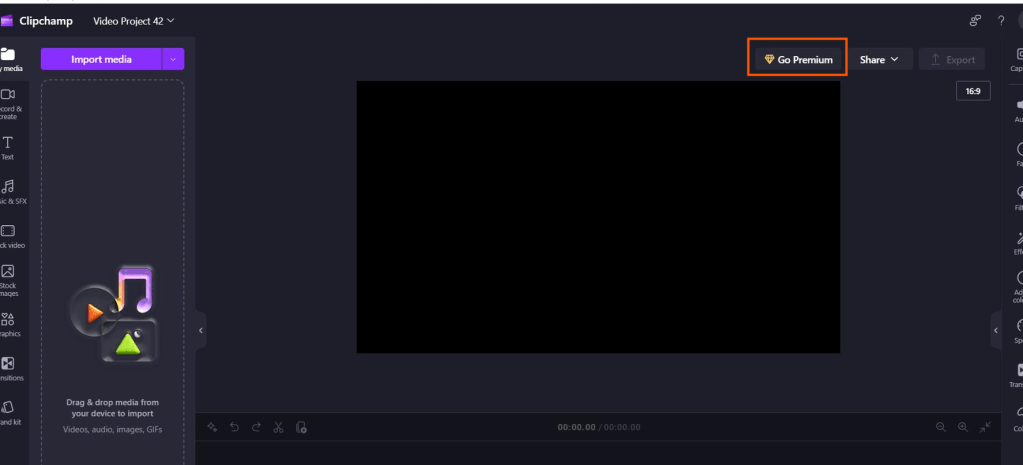
I Had this raised in the last few days and following logging a call with Microsoft, this is a known bug that the product team are working on with a fix expected in around 6 to 8 weeks time!
All premium features should still be available, despite the “Go Premium” flag showing on the web platform and desktop app. If for any reason you cannot see those premium features try the following:
- For Web
Clear both cookies and cache - For Desktop app
Sign out of the app and sign back in again
No official documentation to link to at present, but I’ll update this post if there are any updates, and also when they eventually fix it.





 Lilys Dad
Leave a comment