

Disclaimer: This is not a sponsored post, this is my honest review of the event and the people that I spoke to.
On Wednesday 2 Oct 2024 I set off from home down to London for a day at the DTX conference at the London ExCel and what a day it was!
It started with a jam packed train full of an orchestra of sneezing and coughing all around. Follow by an equally packed tube journey to then pick up a jam packed Elizabeth line train out to Custom House to then have a slow walk into ExCel.
But first things first, need a cup of tea so stopping by the nearest Costa and had a quiet moment.
Then 0930 turned up and the doors opened. With badge in hand, and handed a lovely bag (thanks 8×8!) and a new lanyard courtesy of RingCentral in I walked into hall S8/9/10 and into DTX.
And my there was a lot going on. Not sure if its because I normally spend the day in my home office working staring at the screen but there was a lot going on.
A quick wander around to see the vendors about before picking my seat at the day 1 keynote with Derren Brown speaking about Rethinking the pursuit of Happiness. Look away now if you don’t want to know the secret…
- Why is happiness an end goal. Why not be happy in the moment and each day and find some element of joy from each day
Next, onto a fireside chat around getting your cloud infrastructure right of AI, which was a discussion with London Stock Exchange Group and E.on on how they have moved the right workloads into the cloud to then make available to AI to consume to assist the business. An interesting discussion and with the day job in mind shows that the work we are doing there is on the same trajectory as others!
The next session was a discussion around securing account and moving beyond MFA with a session from Okta who spoke around their FastPass product that looked at the phases of protection:
- Discover
- Determine
- Enforce
- Detect
- Respond
Then a wander around the hall to speak to a few vendors that I was interested in including:
Next what I thought would be an interesting session around Multinational teams telephony, but turned out to be a sales pitch with a vendor around their capabilities to do this management for you rather then something potentially in the native capabilities.
Then into a session with BitDefender to understand the malware trends continuing in 2024.
It was time for a break and yes, another cup of tea, again courtesy of Costa.
Then back into the main hall and back to the Main Stage, this time for another keynote for Putting AI to work – Your new workforce. Here the use of AI was to integrate it in how we work to make the Human-Machine partnership to get the best out of both worlds to offer personalisation, foresight and acceleration. Also included in the discussion was the journey from no AI over to AI Agents working with a human collaborator. Moving AI from something that can assist in the background, to a full collaboration.
A few interesting stats around employs using AI:
- Finished 12% more tasks on average
- Completed tasks 25% quicker and
- Produced 40% higher quality results than those without using AI
An interesting approach to AI is to work level by level and introducing it slowly in order to get to the holy grail of AI integration where you reach AI agents completing tasks and goals and collaborating with humans.
The rules of AI
- Record everything. Eliminate data leaks from calls, online and in person meetings and store in an AI accessible format to help build a data advantage
- Augment your team. Train them on AI technology, capability, futures and usage. Identify the toolset and upskill so the team can complete tasks using AI capabilities
- Customer first AI. Create an AI driven digital customer experience, and CRM for unstructured data, that is more interactive then the competition
- Data-driven innovation (X-Ray Vision). Assemble your own unique AI dataset from internal and external sources that unlocks X-Ray vision for understanding and innovation
We then were presented with demos where AI was being used with a telephone call and with access to the right data sources able to talk to the customer calling and sort out the discussion. If further information was required, it could understand the sentiment and arrange a call-back later, or passed onto a human.
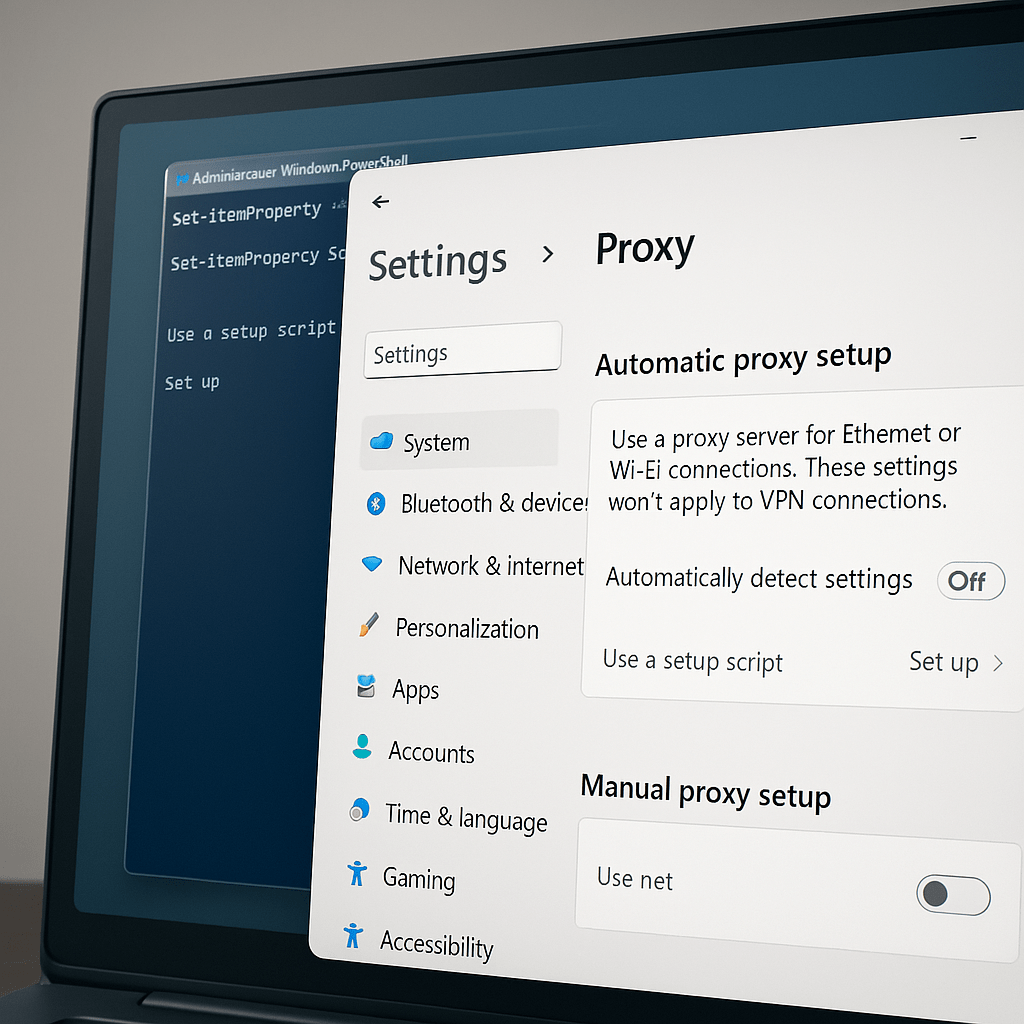
Next was a very interesting demo from ThreatLocker – The Rubber Ducky challenge. For those that do not know what this is (oh and no… its not that type of rubber ducky!). Imagine an employee finding a USB stick, and they wanted to know what was on it. Now traditionally we would use USB device block policies to stop this. but what this was no ordinary USB stick. but one that had an SD Card on it, with encrypted PowerShell scripts on it and when plugged into a device it actually shows itself as a keyboard?
Well, plug it in. Windows sees ooh a new keyboard – Nice one mate! lets activate. Once activated as a keyboard, the script can now run and take a copy of your data an exfiltrate it off and then encrypt it. Worrying stuff of nightmares! EEeeek.
The last session of the day – Microsoft Teams and Microsoft 365 CoPilot Roadmap. Here we got a look at whats coming for these two products:
- Microsoft Teams
- Intelligent Call Recap [ Teams Premium or CoPilot licence] Available Now
- Queues App [ Teams Premium ] Public Preview
- Voice Isolation Generally Available
- Microsoft Places Generally Available Q4 [ Nov 2024 ]
- New Teams and Channels UI
- Ability to rename General channel in a team
- New VDI Solution for Teams ie SlimCore [ General Available ]
- Meeting recap shared in Microsoft Outlook after meeting [ Rolling out now ]
- Expanded in-room speaker recognition
- Microsoft CoPilot 365
- Moving from an AI Assistant to AI Integration with a Team and finally into AI Agents
- Two flavours of CoPilot:
- Microsoft CoPilot ( “Free” )
This is the one that is found in Edge, Bing and in Windows 11 and doesn’t require licencing. I would recommend turning on Enterprise mode to ensure any “work” queries that are made in CoPilot are not directed into the Large Language Model (LLM) but will be ignored and not used to train the model - Microsoft CoPilot 365 ( Licence per user per month)
This is the paid version that integrates throughout the M365 platform> Everything from Outlook through Teams and Planner there’s a CoPilot for that
- Microsoft CoPilot ( “Free” )
- CoPilot Pages [ Rolling out NOW for M365 CoPilot licences]
A dynamic, persistent canvas designed for multi-user and AI collaboration - CoPilot in Excel [ General Available ]
Now you work work with data that hasn’t been formatted as a table and new skills have been added to harness the power of Excel including support for XLOOKUP and SUMIF, Conditional formatting, integration to visualisations to fit your needs. A new addition has been the ability for CoPilot in Excel to now work with text in addition to numerical data - CoPilot in PowerPoint
Introducing BrandManager, CoPilot can now leverage the company branded template to ensure all presentations are enterprise ready and on-brand.
Coming son is the ability for CoPilot to pull company approved images from your SharePoint Organisation Asset library - CoPilot in Outlook [ Public Preview late 2024 ]
- Prioritise my inbox
This is the ability to get to the message that matter by analysing your mailbox based on both content of the messages and your role.
I need to confirm if this is only in New Outlook or will be made available to classic Outlook. Will update the post when I get this information.
- Prioritise my inbox
- CoPilot in Word [ October 2024 ]
Quickly reference data not just in web sources, but data and work data in word, PowerPoint, PDF and encrypted documents. And now Emails and meetings.
Additional improvements include a new start experience with suggested prompts and the ability to collaborate inline in the document as you work away - CoPilot agents
Agents are AI assistants designed to automate and execute business processes either collaborating with humans or doing the process for the humans
They range in capability from simple, prompt and respond, to agents replacing repetitive tasks to more advanced fully autonomous agents
Simple and secure, all CoPilot Agents have the same responsible AI and EDP promises - Team CoPilot [ Preview late 2024 for Microsoft CoPilot licences]
This is a new valuable member of the team that can help the team work better, facilitate meetings, collaborate together and even project manage the tasks the team is working on.
After 7 hours I was tired and ready to get on the way home. Wandering out of the hall, Comcast Sky Business wanted a chat about their capabilities. One tea and pastry (thanks Sky!!) later that was the end of DTX London 2024 for me.
See you there next year 🙂






 Lilys Dad
Leave a comment